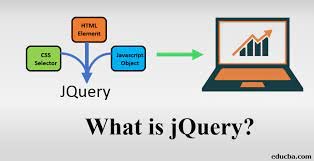
Getting started with jQuery
Follow these steps to add jQuery to an HTML page and run your first script.


To start using jQuery, follow these steps:
1. Add jQuery to your page. Download it from the official website or include it from a CDN in the <head> of your HTML document.
2. Create a basic HTML document. Open a text editor and create a page with a title and a few paragraphs.
3. Write jQuery code. Place a <script> element in the document head or near the end of the body. This example selects every <p> element and hides it:
<!DOCTYPE html>
<html lang="en">
<head>
  <meta charset="utf-8">
  <title>My jQuery page</title>
  <script src="https://code.jquery.com/jquery-3.6.0.min.js"></script>
</head>
<body>
  <p>First paragraph.</p>
  <p>Second paragraph.</p>
  <p>Third paragraph.</p>
  <script>
    $(document).ready(function() {
      $("p").hide();
    });
  </script>
</body>
</html>
The $(document).ready(...) callback runs when the document is ready.
4. Run your page. Save the HTML file and open it in a browser. Its paragraphs should be hidden.
Explore the official jQuery API documentation to learn more.
Share
What's Your Reaction?
 Like
0
 Dislike
0
 Love
0
 Funny
0
 Angry
0
 Sad
0
 Wow
0