

Change the keyboard layout on Ubuntu Server
Use dpkg-reconfigure to change the keyboard layout of an Ubuntu Server console. An SSH session normally uses the client computer’s keyboard layout.

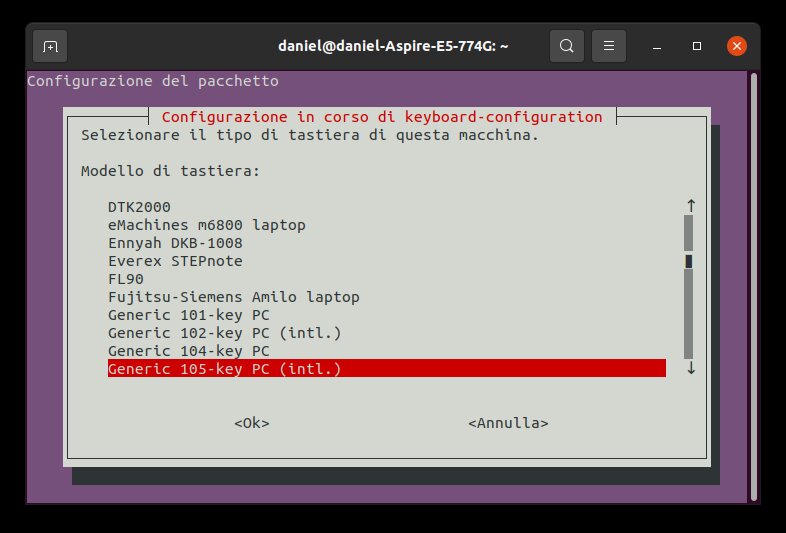
You can choose a different keyboard layout for the local or virtual console on Ubuntu Server. This is useful when the physical keyboard does not match the configured layout.
Run the configuration wizard on the server:
sudo dpkg-reconfigure keyboard-configurationThe wizard asks for a keyboard model, country, language and layout. Use the arrow keys to navigate and Enter to confirm.
If the new setting is not applied immediately to the console, restart keyboard setup or reboot:
sudo service keyboard-setup restartThese steps affect the server console. When you type into an SSH terminal, the client computer normally interprets its own keyboard and sends the resulting characters to the server.
Share
What's Your Reaction?
 Like
0
 Dislike
0
 Love
0
 Funny
0
 Angry
0
 Sad
0
 Wow
0


