Disable the floppy device /dev/fd0 on Linux
If an unused floppy controller produces /dev/fd0 errors, prevent automatic loading of its kernel module and check firmware settings if needed.

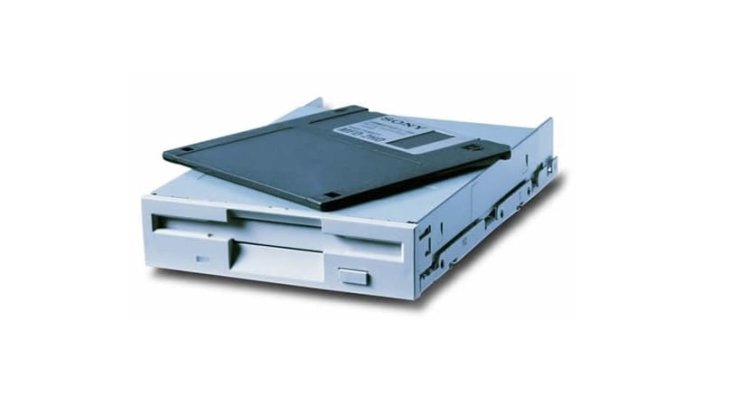
If an unused floppy drive produces errors or unwanted log messages at /dev/fd0, you can prevent its kernel module from loading automatically. The following steps describe the Ubuntu/Debian method.
Edit a modprobe configuration file using a text editor:
sudo nano /etc/modprobe.d/blacklist.confAdd the following line to prevent automatic loading of the floppy module:
blacklist floppySave the file. In
nano, pressCtrl+X, confirm withYand press Enter.Depending on your system, rebuild the initramfs so the setting applies early during boot:
sudo update-initramfs -uRestart the system to test the change:
sudo reboot
After rebooting, check whether the module still loads and whether /dev/fd0 errors have stopped. A blacklist does not necessarily block explicit module loading.
If the controller still appears or causes problems, check whether your BIOS/UEFI has an option to disable it.
Share
What's Your Reaction?
 Like
0
 Dislike
0
 Love
0
 Funny
0
 Angry
0
 Sad
0
 Wow
0