Access Hotmail without installing Outlook
Use a browser and your Microsoft account to read a Hotmail mailbox without the desktop app.


Use a browser and your Microsoft account to read a Hotmail mailbox without the desktop app.
In a browser
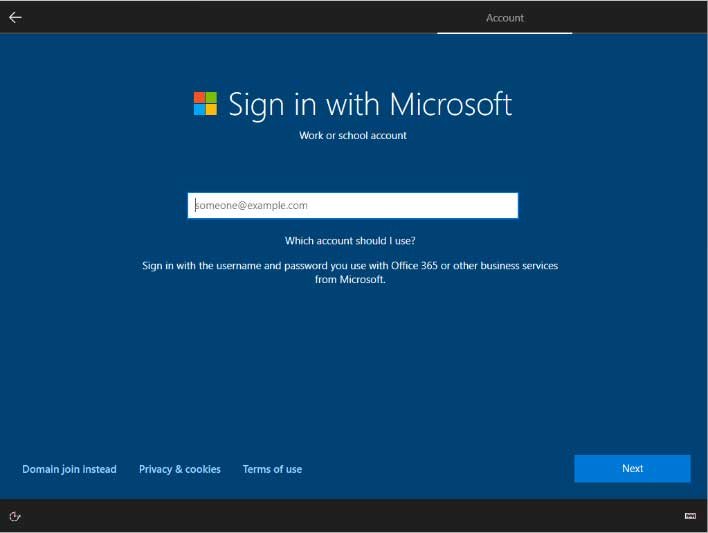
Open the official outlook.com site or Microsoft’s Hotmail sign-in page, enter the full @hotmail.com address and follow your account’s authentication prompts. Hotmail mailboxes are served through Outlook.com; using the website does not change your address or require the Outlook desktop program.
If sign-in fails
Check the full address and active account, then use official recovery options if you forgot the password. Never enter verification codes on suspicious linked pages. On a shared computer, avoid saving the session, sign out and close browser windows. The password belongs to your Microsoft account rather than a separate Hotmail login.
Source
https://support.microsoft.com/en-us/accounts-billing/manage/how-to-sign-in-to-hotmail
Share
What's Your Reaction?
 Like
0
Like
0
 Dislike
0
Dislike
0
 Love
0
Love
0
 Funny
0
Funny
0
 Angry
0
Angry
0
 Sad
0
Sad
0
 Wow
0
Wow
0